With the incessant development of modern technology, the digital office has become more common at work. There also comes a time when you need to add a signature to different documents. It's easy to sign a physical document, but what about a PDF or an email?
For adding signature to a PDF document or some such, you need another solution. Generally, we use a scanned one for those documents. But the scanned signature usually comes with an unseemly background that needs to remove. Under this circumstance, how to sign online documents on the computer has become a problem. So it has become necessary to have an online signature background remover.
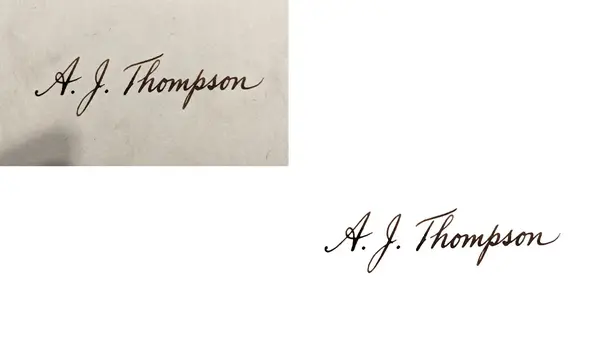
Example Image of FlexClip's Signature Background Remover
Part 1 Signature Background Remover - FlexClip
Looking for a signature background remover to create a digital signature with transparent background for your online documents? You've come to the right place! FlexClip is one of the best and easiest-to-use online tools for removing the background from the signature of the image online. If you have no idea of professional video editing and couldn't afford the time to gain relevant knowledge, FlexClip will be your first choice with powerful features for removing background from any image, including a signature. FlexClip’s signature background remover saves you from the tedious outlining process. It is unbelievable, but removing the signature background actually takes only one click.
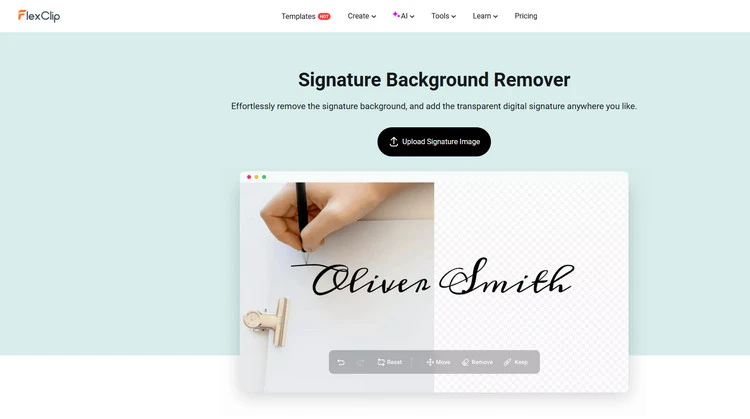
Signature Background Remover - FlexClip
How to Remove Signature Background in FlexClip?
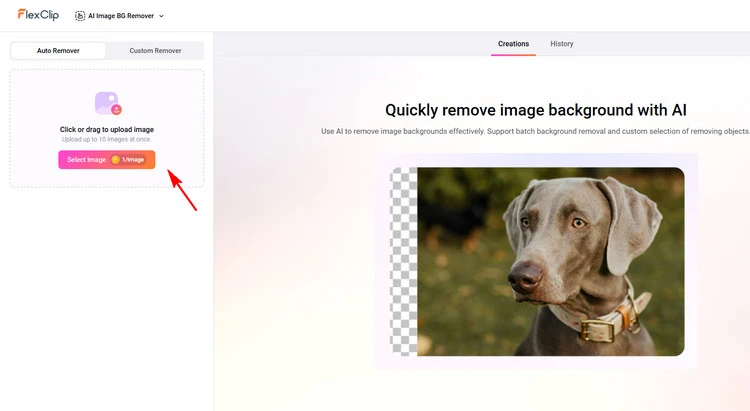
Upload Your Photo - FlexClip
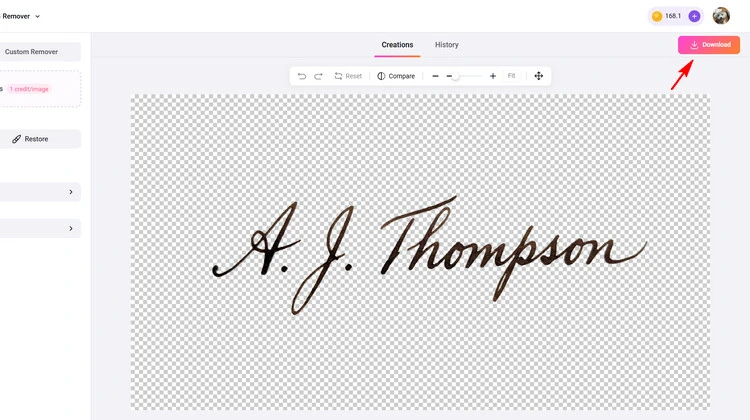
Download Your Signature Photo - FlexClip
Part 2 Alternatives for FlexClip’s Signature Background Remover
2.1 Signature Background Remover - Erase.bg
Erase.bg is an online image background remover tool that uses AI technology to make backgrounds transparent with more accuracy than traditional image editing software. It can remove the background from almost any type of image, including signatures, within seconds.
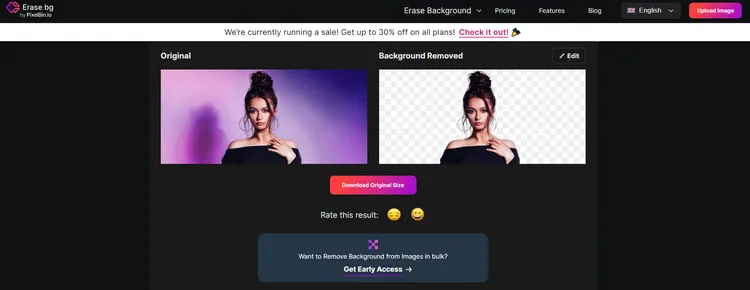
Signature Background Remover - Erase.bg
Key Features of Erase.bg
2.2 Signature Background Remover - Fotor
With Fotor's free online signature background remover, you can get it done with just one click! Powered by artificial intelligence, Fotor can accurately identify your signature and extract it from the image with a clean cutout, no matter how complex your signature might be. Fotor’s AI background remover will detect and extract your signature from the image immediately. The entire process takes just seconds.
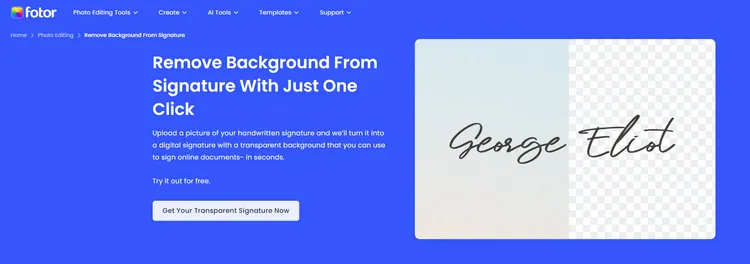
Signature Background Remover - Fotor
Key Features of Fotor
Conclusion
Signature is an essential part of personal and professional communication, and it often used to verify the authenticity of a document or email. In my opinion, digital signature is an irreversible trend in the future. FlexClip makes removing the background from signature easy and quick. Along with the other image editing features that it offers, it deserves to be your best option.




FlexClip AI Video Maker
Reach professional-quality videos faster with easy editing tools, templates, and smart AI.
Start Now for Free
Hot & Trending
-

Best Ways to Find Music in YouTube Videos
-

Instagram Story Video Quality Bad After Upload? Fix It!
-

How to Repost Video on TikTok & How to Remove TikTok Repost
-

Improve Video Quality Online: 3 AI Video Quality Enhancers You Can't Miss
-

4K Convert to HD 1080p without Watermark: Best 4k Video Converters
-

Best 8 Free Video Editors - No Download Required
-

Top 13 Birthday Video Makers with Music and Effects Free
-

How to Search Filters on TikTok & Use a Filter You See - TikTok Filter Guide